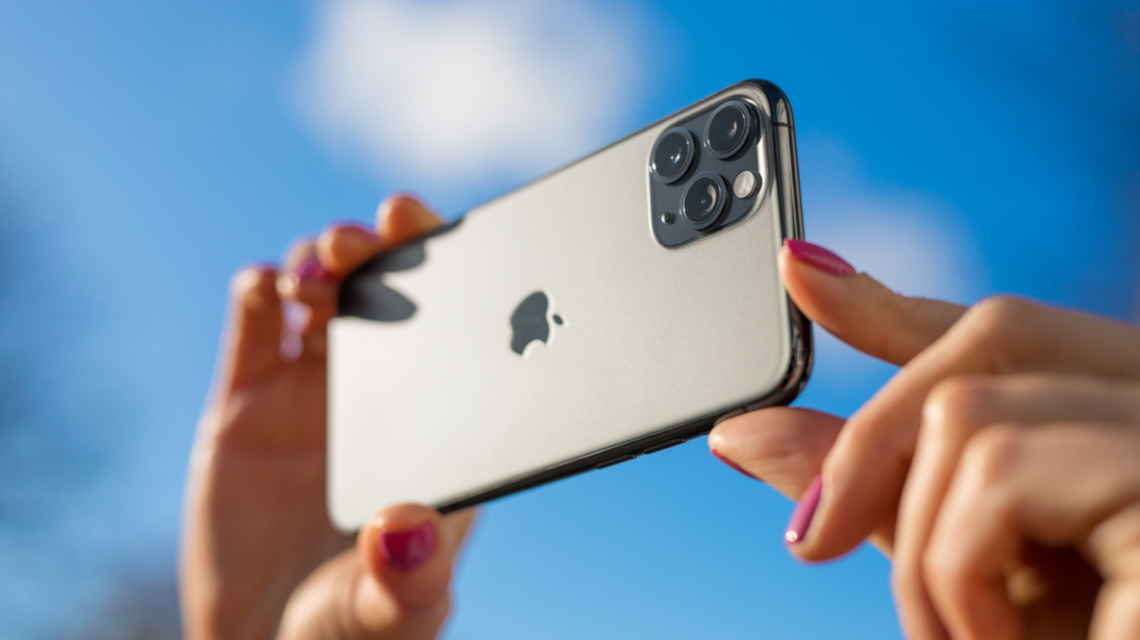
Apple’s Latest Innovation: Foldable iPhone Duo
Apple has introduced its latest innovation, the foldable iPhone Duo, attracting attention despite its starting price of $1,999. The unique dual-screen capability and ultra-thin design are key features highlighted by Taylor Riggs on ‘Varney & Co.’ Stuart Varney expressed his interest in purchasing the high-end model, which goes up to $3,000 for a two-terabyte storage option.
Enhancements in iOS 27 for Photo Sharing
A common issue in photo-sharing is image quality loss during compression. Apple’s new iOS 27 addresses this with improved Shared Albums, allowing photos and videos to be stored in their original formats at full resolution. This feature prevents the common problem of blurry images, ensuring that visual detail is preserved when zooming in or printing.
Samsung Galaxy and Google Pixel phones also offer methods to send photo files without compression, enhancing the quality of shared images.
“You take a great photo, send it to someone, and it appears blurry due to compression.”
CyberGuy LIVE Classes and iOS 27 Features
Kurt ‘CyberGuy’ Knutsson is hosting CyberGuy LIVE classes that offer practical technology advice. Topics include spam prevention and phone security. These classes are free and provide useful checklists for attendees.
With iOS 27, owners of existing Shared Albums can upgrade to a new experience, storing future additions in full resolution. Older photos will not regain their original quality, emphasizing the importance of upgrading albums for future image preservation.
Turning on Shared Albums on iPhone
To enable Shared Albums, ensure iCloud Photos is active:
- Open Settings
- Tap your name
- Tap iCloud
- Under Saved to iCloud, tap Photos
- Activate iCloud Photos
- Scroll down and switch on Shared Albums
Creating Full-Resolution Shared Albums
Creating a new Shared Album in iOS 27 uses the upgraded experience automatically:
- Open Photos app
- Tap Collections
- Navigate to Shared Albums
- Tap the ‘+’ button
- Name the album
- Add photos or videos
- Choose sharing options
- Tap Done
Invitees can join via a link even if they do not have an Apple Account or device.
Handling Older Shared Albums
Albums created prior to iOS 27 remain in their original format unless upgraded. Upgrades allow new photos and videos to be stored in original quality.
Saving Full-Resolution Photos from Shared Albums
Saving a full-resolution photo is simple:
- Open Photos
- Tap Collections
- Access Shared Albums
- Select a photo or video
- Tap Share
- Choose Save Image or Save Video
Shared Albums enhance image quality but ensure you keep original files for complete archival copies.
Sending Photos Without Quality Reduction
Texting photos may still compress images, affecting quality. Using file-sharing tools ensures preservation of image detail.
Galaxy and Pixel Photo Sharing Methods
Samsung Galaxy’s Quick Share allows high-quality file transfers:
- Open Gallery app
- Select photo or video
- Tap Share
- Choose Quick Share
- Select recipient device
- Recipient accepts transfer
Google Pixel phones offer similar Quick Share functionalities.
Cross-Platform Sharing Features
Quick Share can be used with Apple devices through AirDrop, enhancing file-sharing capabilities.
Considerations for Full-Resolution Files
Full-resolution files have significant storage demands. iOS 27’s Shared Albums count toward iCloud storage. When large albums are created, regularly check your storage.
Use original-quality files for printing and preserving special images, while compressed versions can serve casual sharing needs.
Kurt’s Insights on iOS 27 Changes
Shared Albums’ upgrade to full resolution is appreciated for preserving photo quality in family and important albums. Samsung Galaxy and Pixel phones offer strong alternatives for full-quality file sharing. Handling photo quality requires smart file-sharing choices to avoid compression impacts.
Receive tech insights and scam prevention tips with the FREE CyberGuy Newsletter. Stay informed by visiting CyberGuy.com.
Apple’s iOS 27 Full-Resolution Upgrade
Overall, the iOS 27 upgrade enhances Shared Albums, enabling original resolution for newly added content. Selecting optimal sharing methods helps maintain photo quality across devices.
 Impact of Ukrainian Strikes on Russian Data Centers
  The Impact of AI on Job Quality and Economic Growth
  Choosing the Best LED Light Bulbs: A Comprehensive Guide
  Strategies to Reclaim Focus in the Digital Age
  Michigan Senate Candidate Proposes AI Development Freeze
  Trump’s Push for ‘Super Intelligence’ Gains Some Silicon Valley Support